
Are you having trouble getting your Duraflame infrared heater to work just right? It can be frustrating when your heater won’t turn on, makes strange noises, or doesn’t heat up as expected.
But don’t worry—you’re not alone, and most problems are easier to fix than you think. In this guide, you’ll find simple, step-by-step solutions to common Duraflame infrared heater issues. Keep reading to get your heater back to warming your space comfortably and safely in no time.
Common Duraflame Heater Issues
Duraflame infrared heaters are popular for their warmth and style. Like all devices, they can face some common problems. Knowing these issues helps you fix them quickly. This saves time and keeps your heater working well. Below are typical troubles users face with Duraflame heaters.
Heater Won’t Turn On
Check if the heater is plugged in properly. The power outlet might be faulty. Try a different socket to test it. Inspect the power cord for any damage. Some models have a reset button; press it to restart. Make sure the thermostat is set above room temperature. A blown fuse or tripped circuit breaker can stop power flow.
No Heat Output
The heater might turn on but not produce heat. Ensure the heater is set to the heat mode. Clean the air intake and outlet vents. Dust can block airflow and reduce heating. Check the internal fan; if it doesn’t run, heat won’t spread. The heating element might need replacement if broken. Contact a professional if unsure about parts.
Remote Control Problems
Remote controls often lose connection or stop working. Replace the remote batteries with fresh ones. Remove any objects between the remote and heater. Infrared signals need a clear path. Reset the heater by unplugging it for a few minutes. Sometimes, the remote sensor on the heater gets dirty. Wipe it gently with a dry cloth.
Unusual Noises
Strange sounds can mean something is wrong inside. Loose parts may rattle during operation. Tighten screws or fasteners if safe to do so. A noisy fan could have dust buildup or a worn motor. Clean the fan blades carefully. Grinding or buzzing sounds might need expert repair. Turn off the heater if noises get worse.
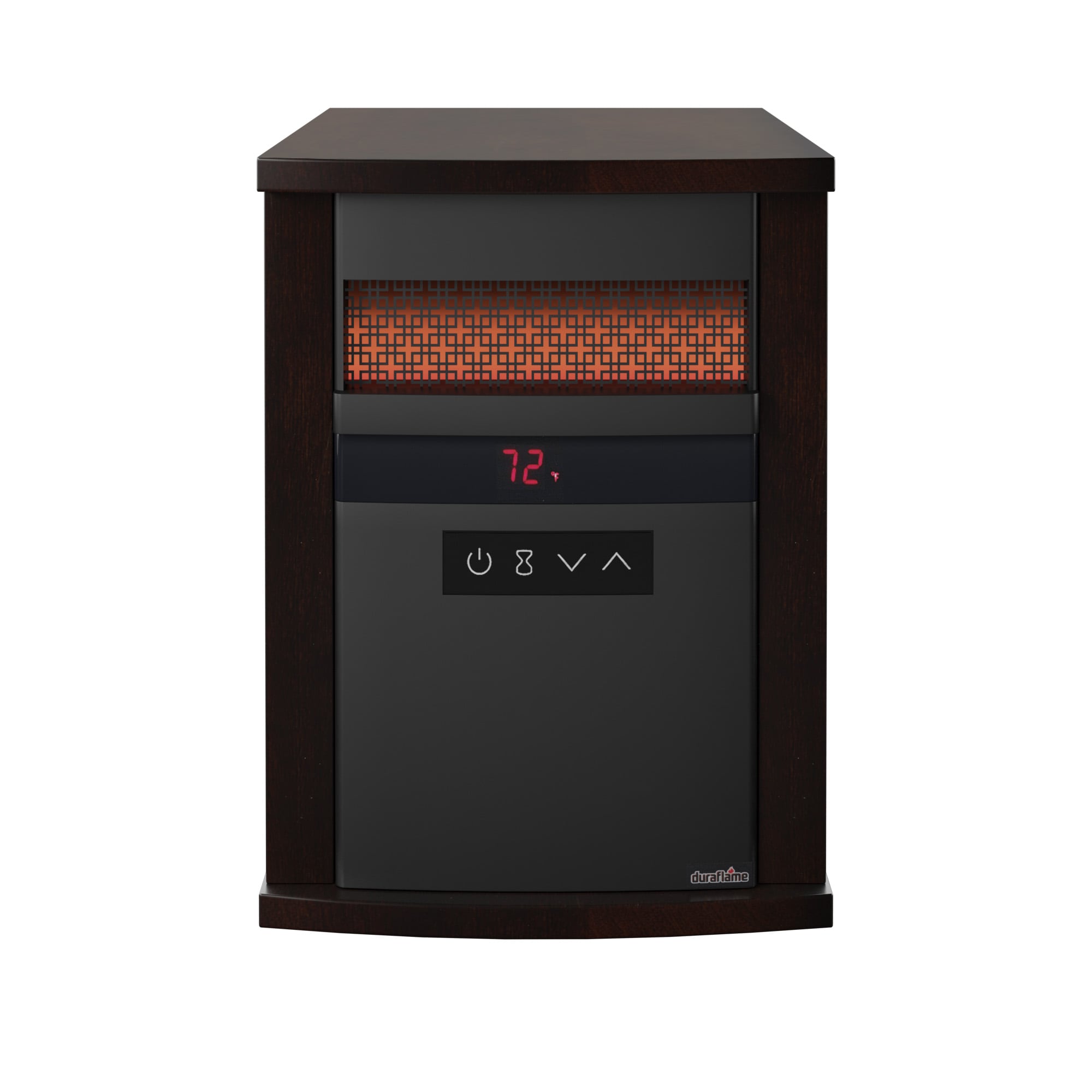
Credit: www.lowes.com
Power And Electrical Checks
Power issues often cause Duraflame infrared heaters to stop working. Checking the electrical parts first can save time. These checks are simple and help find common problems fast. Follow these steps to make sure your heater gets power safely and properly.
Inspecting Power Source
Start by checking the outlet where the heater plugs in. Make sure it has power by testing it with a lamp or another device. Avoid using outlets controlled by wall switches. These can turn off power unexpectedly. The outlet should be free from dust and damage. A loose or broken outlet can stop the heater from working.
Resetting Circuit Breaker
Look at your home’s circuit breaker panel. Find the switch for the heater’s outlet. It may have flipped off if too much power was drawn. Flip the breaker fully off, then back on. This resets the power supply. If the breaker trips again, do not keep resetting. This may signal a wiring problem or a faulty heater.
Testing Power Cord And Plug
Examine the heater’s power cord and plug closely. Check for cuts, frays, or bent prongs. Damaged cords can cause short circuits or no power. Use a different power cord only if the model allows it. Never use a cord with exposed wires. A secure plug connection is important to keep electricity flowing safely.
Thermostat And Temperature Settings
The thermostat and temperature settings are key parts of your Duraflame infrared heater. They control the heat level and comfort in your room. Understanding how to adjust these settings helps keep your space warm and safe. Incorrect settings can cause poor performance or safety issues.
Proper thermostat use also saves energy. It stops the heater from running too long or too hot. This section covers how to adjust the thermostat, check its accuracy, and prevent overheating.
Adjusting Thermostat
Start by turning the heater off. Locate the thermostat dial or buttons on the unit. Set your desired temperature clearly. Usually, 68 to 72 degrees Fahrenheit is comfortable. Turn the heater back on. Wait a few minutes for the room to warm up. Check if the heater stops once the room reaches the set temperature. If not, adjust the thermostat slightly and try again.
Calibration Tips
Sometimes the thermostat shows wrong temperatures. Test it by placing a room thermometer nearby. Compare the heater’s reading with the thermometer. If they differ, the thermostat needs calibration. Some models allow manual calibration through a small dial. Refer to the user manual for instructions. Calibrating ensures the heater heats correctly and avoids wasting energy.
Avoiding Overheating
Overheating can damage the heater or cause hazards. Keep the heater away from curtains, furniture, and flammable items. Do not block air vents. Clean dust and debris regularly to maintain airflow. Use the heater only in well-ventilated rooms. Turn off the heater if the room feels too hot. Many Duraflame heaters have safety shutoff features to prevent overheating. Check your model’s safety instructions for more details.
Cleaning And Maintenance Tips
Regular cleaning and maintenance keep your Duraflame Infrared Heater working well. Dirt and dust can block heat and cause problems. Simple care steps help your heater last longer and run safely. Follow these tips to avoid common issues.
Dust Removal
Dust gathers on the heater’s surface and inside. Use a soft cloth to wipe the outside. A vacuum with a brush attachment can clean vents gently. Remove dust often to stop overheating and poor airflow.
Filter Cleaning
Some models have filters that catch dust. Check your heater’s manual to find the filter location. Take the filter out carefully. Wash it with warm water and mild soap. Let it dry completely before putting it back in.
Vent Inspection
Vents let warm air flow freely. Look inside the vents for blockages or dust. Clear anything that blocks the air. Clean vents help the heater work better and prevent damage. Inspect vents regularly for safety and performance.
Troubleshooting The Flame Effect
The flame effect is a key feature of your Duraflame infrared heater. It creates a cozy, warm atmosphere even without heat. Sometimes, the flame effect may stop working or look dim. Troubleshooting these issues can bring the effect back to life quickly.
Simple steps can fix common problems with the flame effect. Checking bulbs, adjusting brightness, and ensuring proper connections help. Understanding these fixes saves time and keeps your heater looking great.
Flame Light Not Working
First, check if the flame light power is on. Make sure the heater is plugged in and switched on. Look for any blown fuses or tripped breakers. If the flame light still does not work, inspect the bulbs inside. Sometimes, loose connections cause the light to fail.
Replacing Flame Bulbs
Turn off and unplug the heater before replacing bulbs. Remove the front panel carefully to access the flame bulbs. Use the correct replacement bulbs designed for Duraflame heaters. Insert new bulbs firmly but gently into their sockets. After replacement, test the flame effect to confirm it works.
Adjusting Flame Brightness
Many Duraflame heaters have a brightness control for the flame effect. Find the brightness knob or button on your unit. Adjust the flame light to your preferred level slowly. If the flame looks too dim or too bright, tweaking this control helps. Proper brightness gives a natural, warm glow.
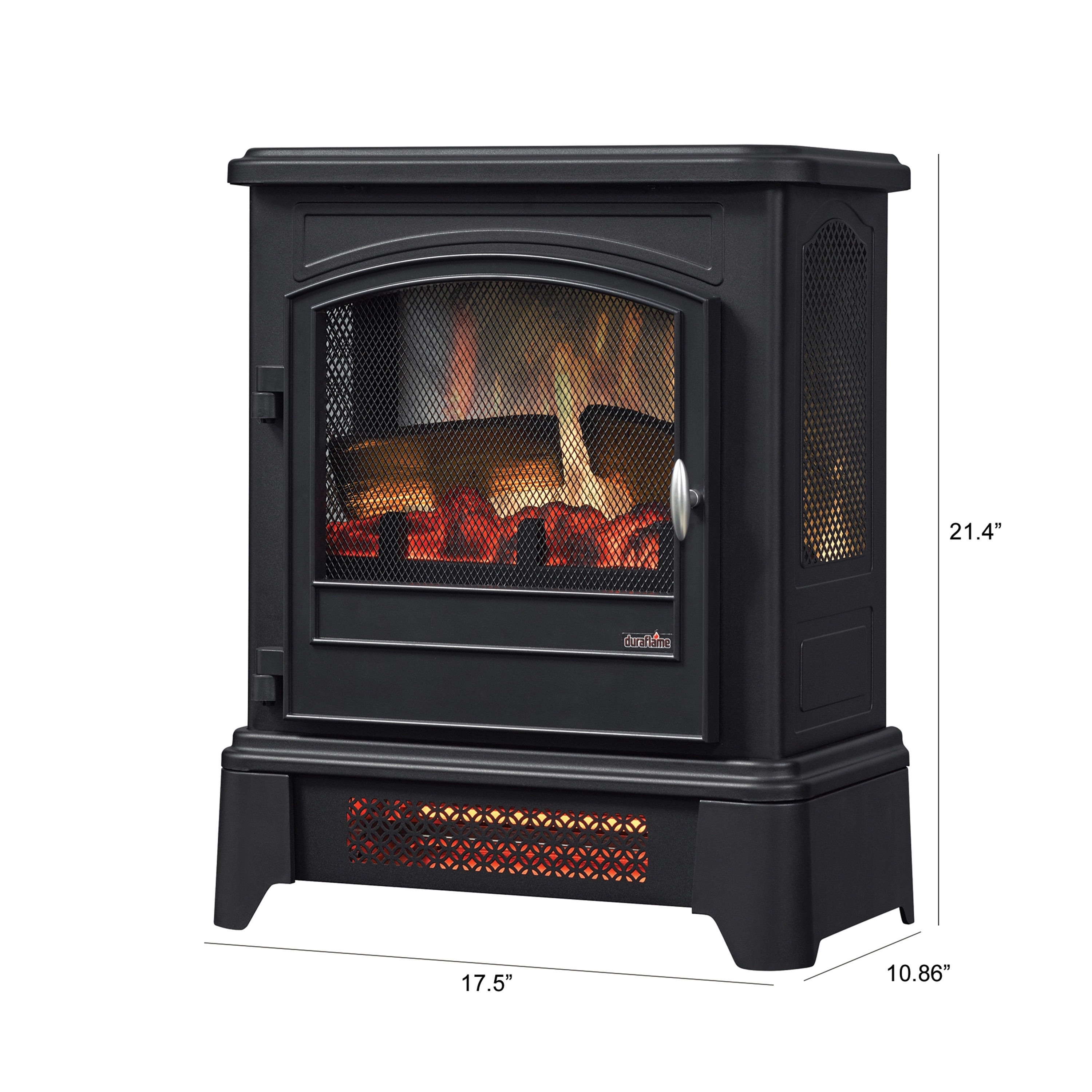
Credit: ggpurbanismo.com.br
When To Call For Professional Help
Knowing when to call for professional help with your Duraflame infrared heater is important. Some issues need expert care to avoid damage or danger. Understanding the signs of serious problems will keep you safe and save time.
Identifying Serious Issues
Look for unusual smells like burning or smoke. These could mean electrical trouble. If the heater does not turn on after multiple attempts, it may need repair. Strange noises or flickering lights are also warning signs. Do not try to fix electrical parts yourself. These problems require a trained technician.
Warranty And Support Options
Check your heater’s warranty before calling for help. Many Duraflame heaters have coverage for parts and service. Contact the official support team for advice and authorized repairs. Using warranty services can reduce repair costs. Keep your purchase receipt and warranty details handy when seeking help.

Credit: www.mantelsdirect.com
Frequently Asked Questions
Why Is My Duraflame Heater Not Turning On?
Check the power source and plug. Ensure the outlet works and the heater is switched on.
How Do I Fix A Duraflame Heater That Won’t Heat?
Clean the heater’s vents and filters. Make sure the thermostat is set above room temperature.
What Causes A Duraflame Heater To Shut Off Suddenly?
The heater may overheat or have a safety shut-off activated. Check for blockages or overheating.
How Can I Reset My Duraflame Infrared Heater?
Unplug the heater, wait 5 minutes, then plug it back in to reset the system.
Why Does My Duraflame Heater Make Noise?
Noise may come from loose parts or a dirty fan. Tighten screws and clean the fan.
How Often Should I Clean My Duraflame Heater?
Clean the heater every 3 months to keep it running safely and efficiently.
Conclusion
Duraflame infrared heaters can be easy to fix with simple steps. Check power sources and settings first. Clean the heater regularly to avoid dust build-up. Listen for unusual sounds that show problems. Replace parts only if needed. Keep safety in mind during all repairs.
Small efforts save money and keep you warm. Trust your skills and stay patient. Troubleshooting can make your heater work well again. Stay comfortable all winter long.