
Is your Duraflame heater fan not working when you need it most? It’s frustrating when your heater won’t blow warm air, leaving you cold and uncomfortable.
You’re not alone—many people face this issue, and it often has simple fixes. You’ll discover easy steps to get your heater fan running again quickly. Don’t let a malfunctioning fan ruin your cozy moments—keep reading to find out how to solve the problem now.
Common Causes Of Heater Fan Issues
The Duraflame heater fan may stop working due to several common issues. Knowing these causes helps in quick troubleshooting. Understanding these problems can save time and prevent bigger repairs.
Power Supply Problems
A heater fan needs a steady power source to run. Loose plugs or tripped breakers can cut off power. Sometimes, the outlet itself may be faulty. Checking the power supply is the first step in fixing the fan.
Faulty Fan Motor
The fan motor moves the air inside the heater. Over time, it can wear out or get damaged. A broken motor stops the fan from spinning. Repairing or replacing the motor often restores the fan’s function.
Blocked Air Vents
Air vents allow warm air to flow freely. Dust, dirt, or objects can block these vents. Blocked vents cause the fan to work harder or stop. Cleaning the vents regularly keeps the fan running smoothly.
Thermostat Malfunctions
The thermostat controls the heater’s temperature and fan operation. If it fails, the fan might not turn on at the right time. Faulty thermostats need adjustment or replacement. This ensures the fan starts and stops correctly.
Safety Precautions Before Repair
Before repairing your Duraflame heater fan, safety must be the top priority. Taking the right precautions helps avoid accidents and injuries. Simple safety steps keep you safe during the repair process. Follow these essential guidelines for a secure repair experience.
Unplugging The Heater
Always unplug the heater before starting any repair. This stops electricity from flowing and reduces shock risk. Never try to fix the fan while the heater is plugged in. Confirm the plug is fully removed from the outlet.
Using Protective Gear
Wear protective gloves to shield your hands from sharp parts. Safety glasses protect your eyes from dust and debris. Use a dust mask if you expect particles or dirt to fly around. Proper gear makes repairs safer and easier.
Working In A Well-ventilated Area
Choose a room with good airflow for the repair. Fresh air reduces fumes from dust or cleaning agents. Open windows or use a fan to keep air moving. A well-ventilated space helps you breathe easier and stay alert.
Basic Troubleshooting Steps
Basic troubleshooting steps help fix common issues with the Duraflame heater fan. Start with easy checks. These steps save time and might solve the problem quickly. Follow each step carefully for best results.
Checking The Power Source
First, make sure the heater is plugged in properly. Check the power outlet by plugging another device. Confirm the circuit breaker is not tripped. A loose connection or no power can stop the fan from working.
Inspecting The Fan For Obstructions
Turn off the heater before inspecting. Look for dust, dirt, or objects blocking the fan blades. Clear anything that might stop the fan from spinning. A blocked fan causes poor airflow and noise.
Resetting The Heater
Find the reset button or switch on the heater. Press and hold it for a few seconds. This step can fix minor electrical or sensor glitches. After resetting, turn the heater back on and check the fan.
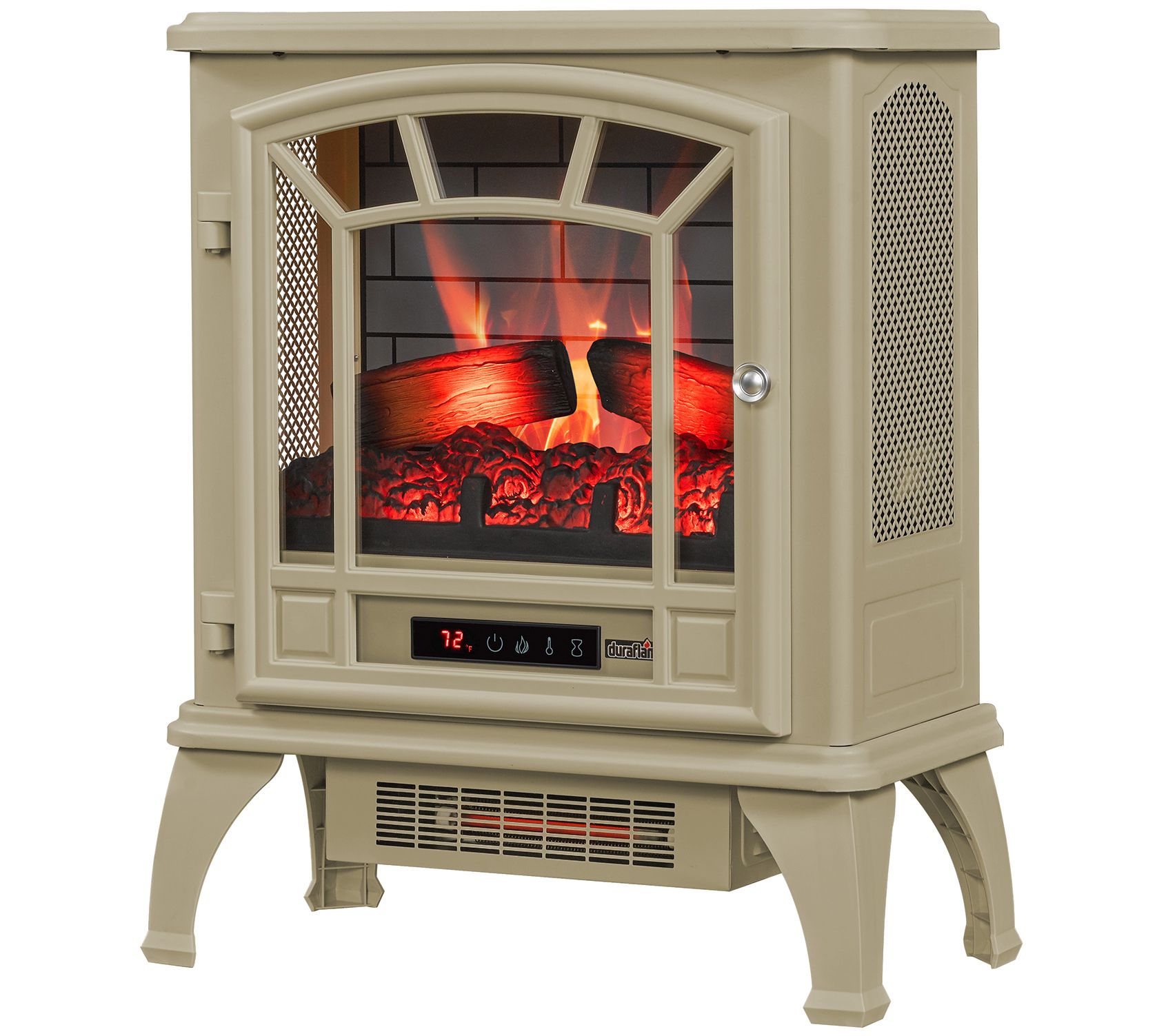
Credit: www.qvc.com
Fixing A Faulty Fan Motor
Fixing a faulty fan motor in a Duraflame heater is important for safe and warm indoor air. The fan motor moves heat around the room. If it stops working, the heater cannot spread warm air effectively. Understanding the motor’s problems helps decide the best fix.
Identifying Motor Issues
First, check if the fan spins at all. No spinning means the motor may be dead. Listen for strange noises like grinding or buzzing from the motor. These sounds show the motor parts might be worn out. Also, feel if the motor gets very hot. Overheating can cause failure. Lastly, test the power supply and wiring. Loose or broken wires stop motor function.
Replacing The Fan Motor
Turn off and unplug the heater before starting any repair. Remove the heater cover to access the fan motor. Take a picture of the wiring for reassembly help. Unscrew and disconnect the old motor carefully. Match the new motor’s size and power rating with the old one. Attach wires following the picture or manual. Screw in the new motor firmly. Put back the heater cover and plug it in. Test the fan motor by turning on the heater. The fan should spin smoothly and quietly now.
Clearing Blocked Air Vents
Blocked air vents often cause a Duraflame heater fan to stop working properly. Dirt and dust can clog the vents, stopping warm air from moving through. Clearing these vents helps the heater work well again and keeps the room warm.
Cleaning the vents is a quick step that improves airflow and heater performance. Below are simple ways to clear blocked air vents for better heater function.
Cleaning Dust And Debris
Turn off the heater and unplug it first. Use a soft brush or cloth to remove dust from the vents. A vacuum cleaner with a brush attachment also works well. Clean both outside and inside the vents gently. Remove any debris that blocks air movement. This stops the fan from overheating or stopping.
Ensuring Proper Airflow
Check that nothing blocks the vents around the heater. Keep furniture and curtains away from the air vents. Make sure vents are open and not bent or damaged. Good airflow lets the fan push warm air into the room. This helps the heater run smoothly and stay safe.

Credit: www.youtube.com
Addressing Thermostat Problems
The thermostat plays a key role in your Duraflame heater fan’s operation. It controls the temperature and signals the fan to turn on or off. Problems with the thermostat can stop the fan from working correctly. Understanding how to check and fix thermostat issues helps restore your heater’s performance quickly.
Testing Thermostat Functionality
Start by turning off the heater and unplugging it. Locate the thermostat inside the unit. Use a multimeter set to measure resistance. Touch the probes to the thermostat terminals. At room temperature, the meter should show continuity. No continuity means the thermostat may be faulty. Also, check if the thermostat changes resistance as you adjust the temperature setting. This test confirms if the thermostat reacts properly to temperature changes.
Calibrating Or Replacing The Thermostat
Sometimes the thermostat needs calibration instead of replacement. Adjust the temperature dial and observe if the fan starts at the correct settings. If it does not, recalibrate the thermostat using the manufacturer’s instructions. Calibration ensures accurate temperature control. If calibration fails or the thermostat is damaged, replace it with a new one. Use the exact model recommended for your Duraflame heater to avoid further issues.
When To Seek Professional Help
Knowing when to get professional help for your Duraflame heater fan saves time and avoids risks. Some issues are safe to fix at home. Others need expert care to prevent damage or injury. Watch for clear signs that call for a technician.
Signs Of Electrical Damage
Flickering lights or sparks near the heater fan show electrical trouble. A burning smell or smoke means wires could be damaged. The heater fan not turning on despite power may point to a wiring fault. Do not try to fix electrical issues yourself. Call a professional to avoid shocks or fire.
Complex Mechanical Failures
Strange noises like grinding or rattling suggest parts inside the fan are broken. The fan not spinning or moving unevenly shows mechanical failure. Problems with the motor or fan blades often need special tools to repair. Trust a technician to handle these complex issues safely and correctly.
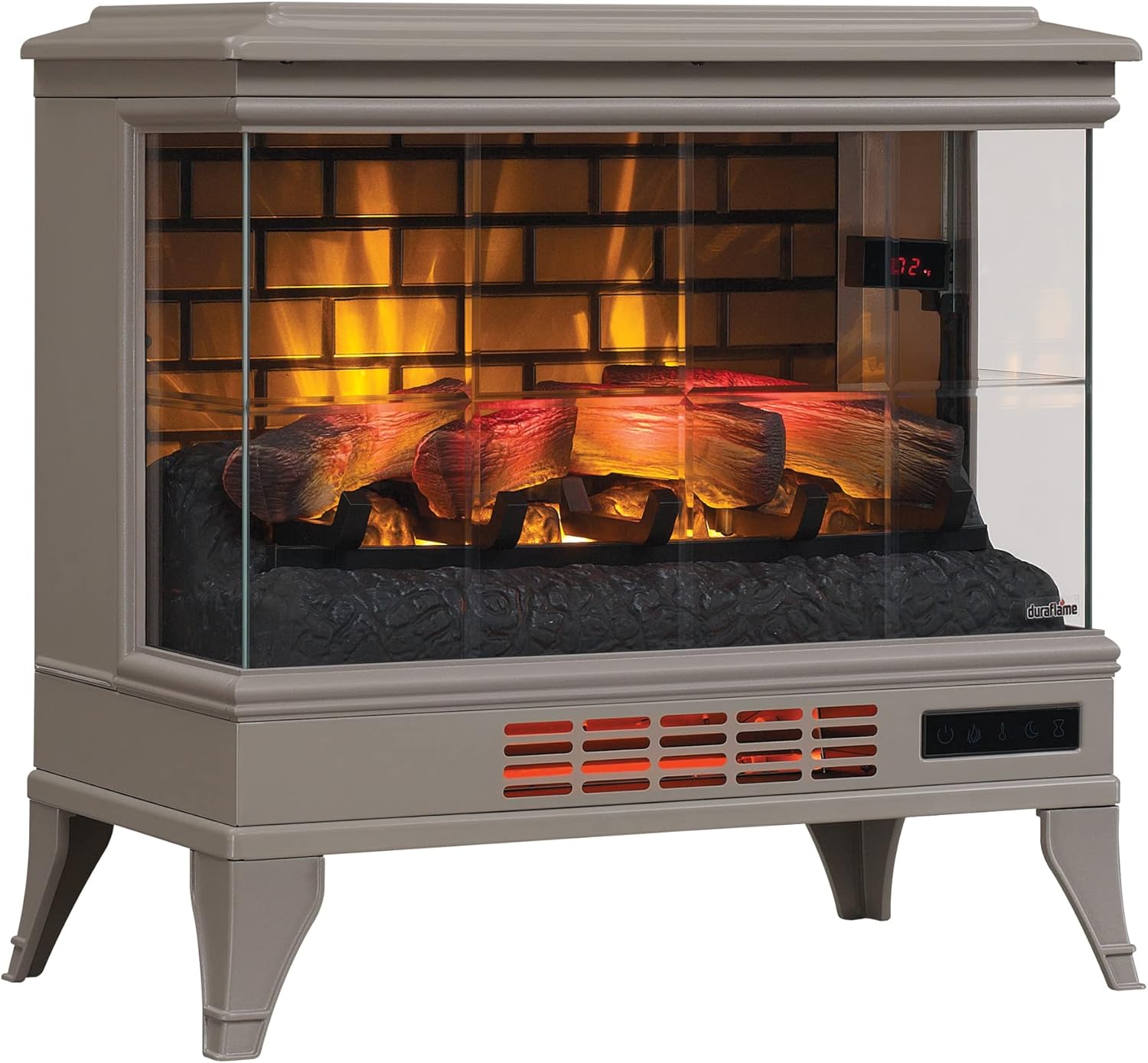
Credit: sageuae.com
Maintenance Tips To Prevent Fan Issues
Keeping your Duraflame heater fan working well takes some care. Regular maintenance helps avoid common fan issues. Small efforts can extend your heater’s life and improve safety.
Follow simple steps to keep the fan clean, stored properly, and checked often. These tips save you time and money on repairs.
Regular Cleaning Routine
Dust and dirt can block the fan blades. Clean the fan every few weeks. Use a soft cloth or a small brush to remove dust. Avoid water on electrical parts. Cleaning stops overheating and noisy fan problems.
Proper Storage Practices
Store the heater in a dry, cool place during off-season. Cover it with a cloth or plastic to keep dust away. Avoid places with high humidity to prevent rust and damage. Proper storage keeps the fan safe and ready to use.
Scheduled Inspections
Check the fan and heater regularly for loose parts or unusual sounds. Look for worn-out wires or broken blades. Schedule inspections every few months. Early detection helps fix small problems before they grow bigger.
Frequently Asked Questions
Why Is My Duraflame Heater Fan Not Turning On?
The fan may be blocked, the motor faulty, or the power source interrupted.
How Can I Fix A Duraflame Heater Fan That Won’t Start?
Check the power connection, clean dust, and reset the heater if needed.
What Causes The Duraflame Heater Fan To Stop Working Suddenly?
Dust buildup, motor failure, or electrical issues often cause the fan to stop.
Can A Dirty Heater Fan Cause My Duraflame Heater To Fail?
Yes, dust and debris can block the fan and stop it from working.
Is It Safe To Use A Duraflame Heater Without A Working Fan?
Using it without the fan may cause overheating and is not recommended.
When Should I Call A Professional For Duraflame Fan Problems?
If basic cleaning and resets don’t work, a technician should check the heater.
Conclusion
A Duraflame heater fan not working can cause discomfort. Simple checks often fix the problem quickly. Clean the fan and check power sources first. Make sure the heater is on and set correctly. If issues persist, contacting a technician may help.
Regular maintenance keeps your heater working well. Small steps can save you time and money. Stay warm and comfortable with a working heater fan. Don’t ignore warning signs or unusual sounds. Taking action early prevents bigger problems later.